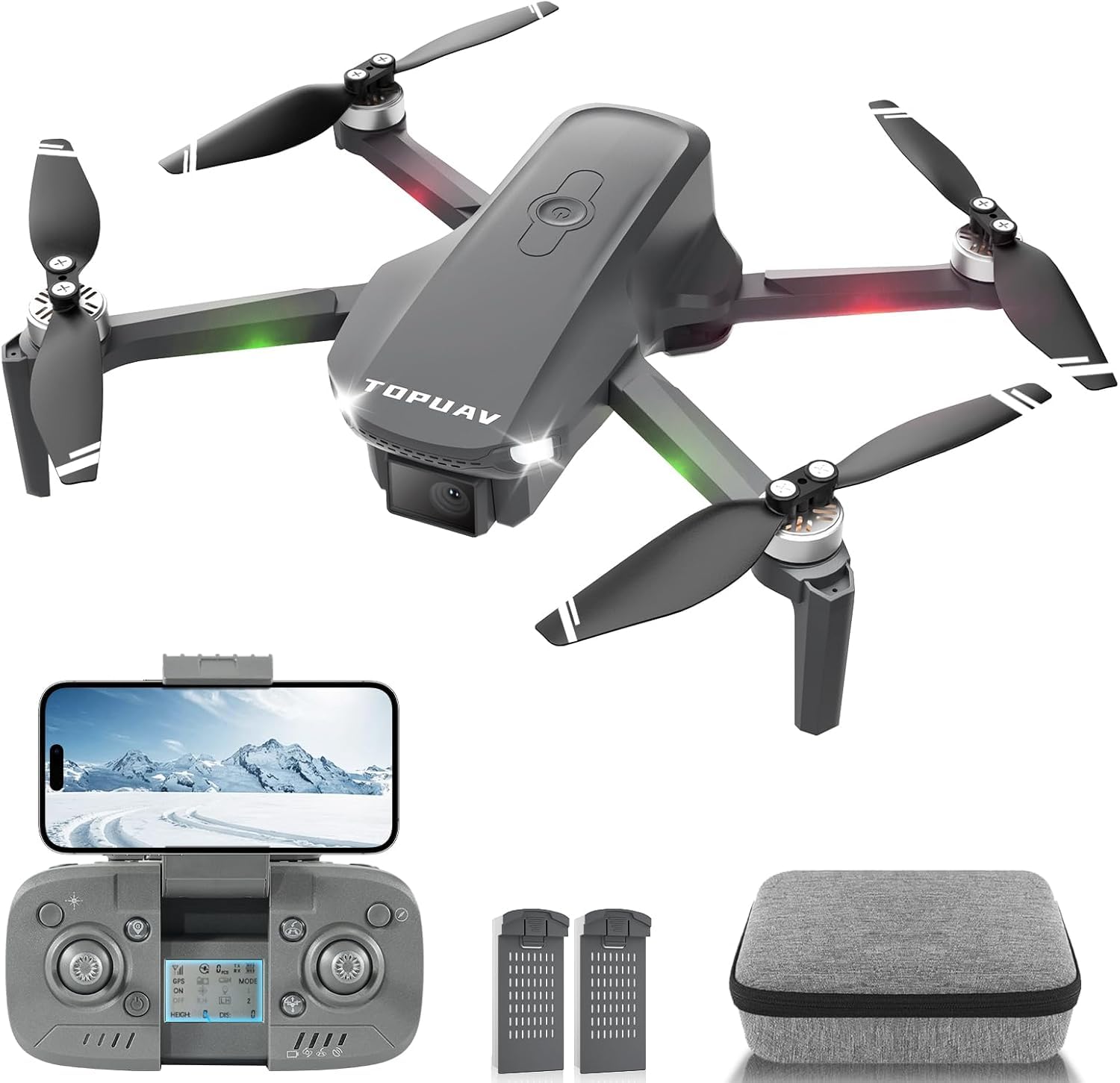
Dragon Touch Gps Drone
Wipkviey T28 Mini Drone for Adults and Kids - 1080P HD FPV Foldable RC Quadcopter with 90° Adjustment, Gesture Selfy, H
Description
The Full Picture
Easeier to Use: Multiple Remote Control Methods and One-Key Operating Functions
Designed for beginners, this drone offers several easy-to-use features: - You can switch between button control, mobile app control, and other useful modes depending on different situations.
Altitude Hold Mode: - With weak wind, simply press one button to make the drone hover automatically at a stable height. - Use the fine-tuning button to assist in hovering if the drone tilts left or right.
360° Flip: - Press the flip button and control the right joystick to make the drone rotate 360° in the air. - Press the "One Key Start/Landing" button to have the drone take off or land automatically. - The drone has 3 flight speed modes: low speed for children and beginners.
Gesture Selfy: - Show your palm in front of the camera to take a picture automatically. - Show a fist to record a video. - Adds more interactive fun to your flying experience.
Low Battery Alert: - Features a low battery alarm. - Includes 4 propeller guards to protect the drone. - Comes with 2 rechargeable batteries that support 24 minutes of flight, 12 minutes each.
Please Note: - Recalibrate the drone before take-off and after it has tipped on its side. - Take-off on a level surface to avoid diagonal flight and ensure control. - Failure to calibrate properly can result in losing the drone completely.