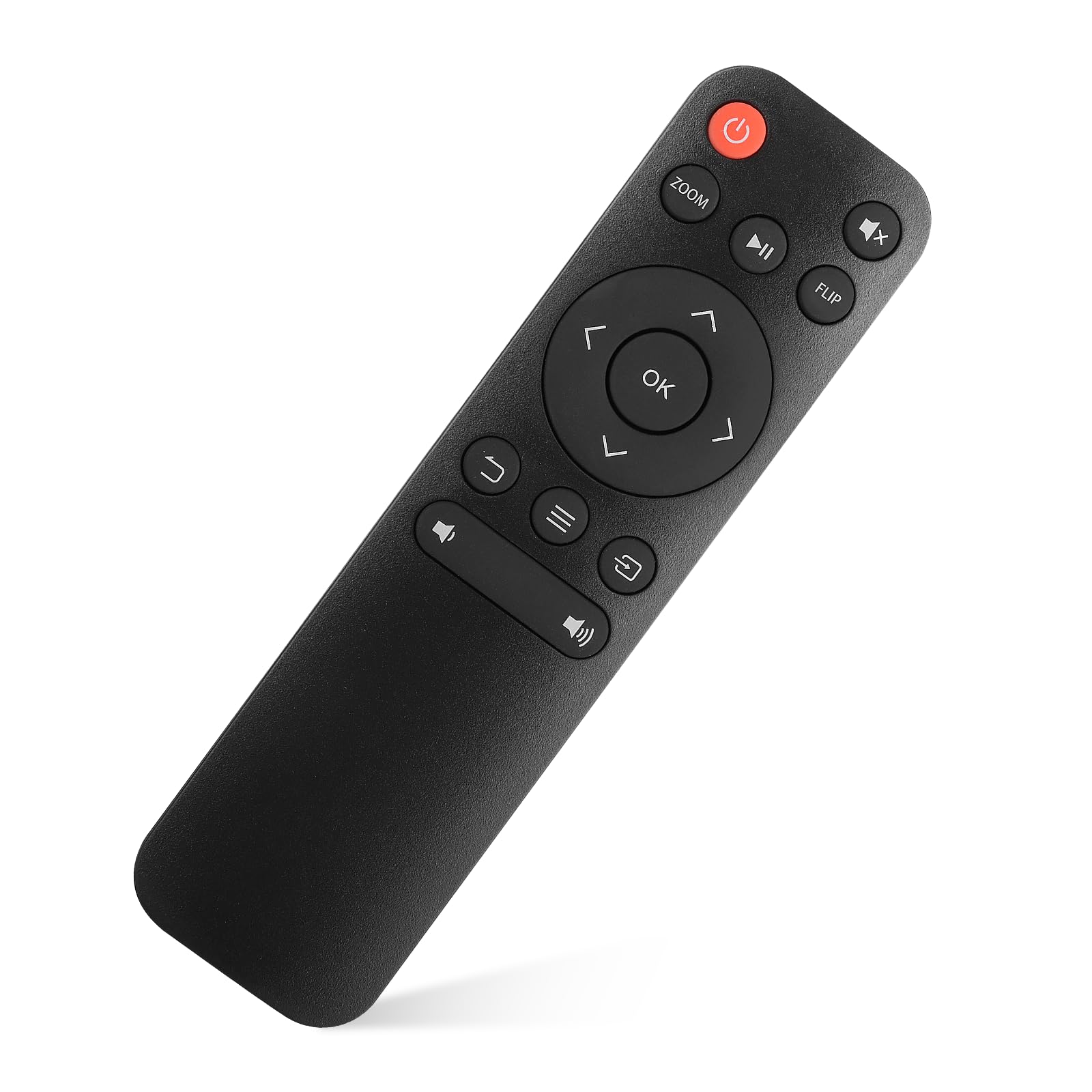
Dragon Touch Projector Remote
ENOKIK Galaxy Projector Remote Control for Home Entertainment | ENOKIK Galaxy Projector Remote Control for Outdoor Movi
$3.89
$5.00
New
Description
Everything You Need
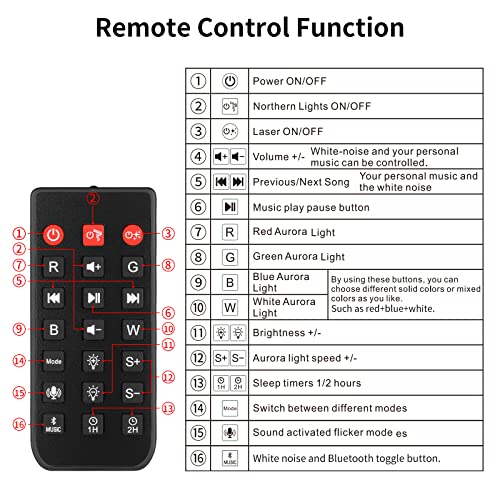
How to Use the Remote Control Correctly
- Understanding the Diagram
- Refer to the diagram provided in the picture for guidance.
-
It clearly marks each button and function.
-
Main Features
- Volume Control: Adjusts the volume up and down easily.
- Power Button: Turns the device on and off.
- Channel Up/Down: Switches between channels conveniently.
-
Input Selection: Allows quick switching between different inputs (e.g., HDMI 1, 2).
-
Benefits
- Saves time by reducing manual setup.
- Ensures accuracy, preventing accidental button presses.
-
Easy to follow instructions help even first-time users.
-
Who Can Benefit?
- Suitable for anyone who frequently uses multiple inputs or channels.
- Ideal for those who want a simple and efficient remote.
- Perfect for busy households with varying entertainment needs.
Follow these steps and the diagram to use your remote control effectively and enjoy a hassle-free viewing experience.